
Picking from the 10 best cloud POS systems of 2026 is harder than it looks. Every vendor promises quick setup and fair pricing. Few show you what you will actually pay once card processing, hardware and add-ons are included.
This guide compares ten cloud-based point-of-sale systems on features, real costs, inventory tools, payment rules and fit for different businesses. I based the assessments on published pricing pages, vendor documentation and public user reviews. I have not hands-on tested every product, and I say so where a claim comes from the vendor.
A cloud POS runs on software hosted online instead of a server in your back room. You can check sales, change prices and track stock from any connected device. The trade-off is that your internet connection matters more, so I cover offline mode in detail.
10 Best Cloud POS Systems
1. Square POS: Best Overall for Small Businesses
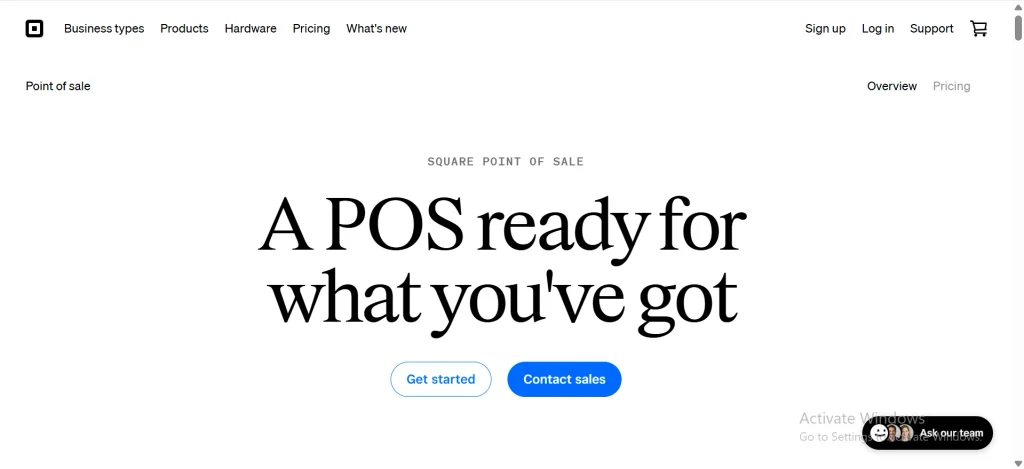
Square earns the top spot because its free plan is genuinely usable. It includes core POS tools, an online store, invoicing, gift cards and a customer directory with no monthly fee.
Pricing: On the free plan, in-person card payments cost 2.6% + 15¢. Square Plus is $49 and Premium is $149 per location, and paid plans lower the processing rates. Businesses above roughly $250,000 a year can ask for custom pricing. All plans can be changed or cancelled without contracts.
Pros: Fast setup, wide hardware choice, offline card payments with limits.
Cons: Flat-rate fees get expensive at higher volume, and you must use Square Payments.
Best for: Cafés, mobile sellers and independent shops.
2. Shopify POS: Best for Online and In-Store Selling
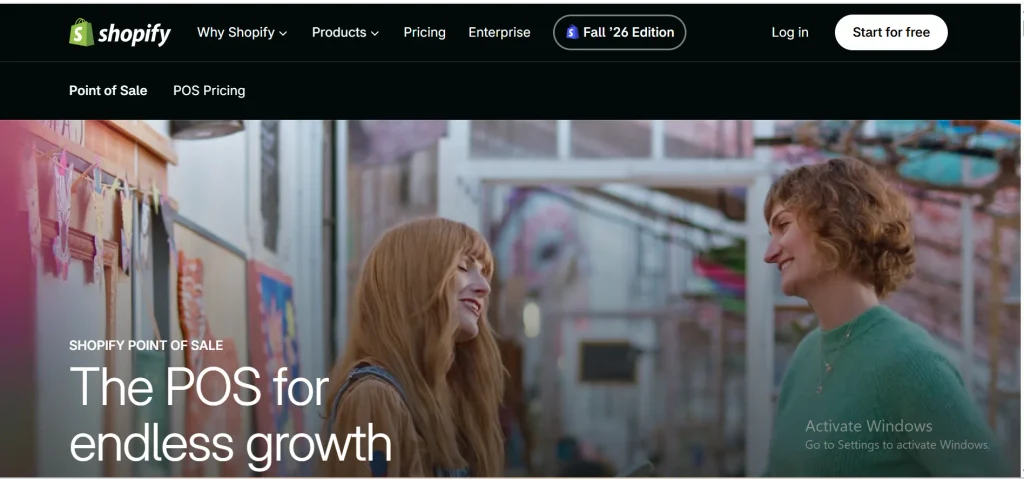
Shopify POS suits merchants who started online. Orders, products and customers sync between your web store and your counter, so stock levels stay consistent.
Pricing: POS Lite comes with any paid Shopify plan, and plans start at $39 a month on monthly billing. POS Pro adds 89perlocation(79 on annual billing) for stronger staff and inventory tools. One third-party estimate puts a full single-register hardware setup at roughly $876 to $1,006.
Pros: Strong omnichannel inventory, large app ecosystem.
Cons: Costs stack up (plan, Pro per location, hardware), and it is weak for table service.
Best for: Online brands opening a shop or pop-up.
3. Clover: Best for Retail Businesses
Clover sells hardware and software together, from handheld devices to full counter stations. Its app marketplace lets you add tools like loyalty and scheduling.
Pricing: Hardware starts around $349 in advertised pricing. Software plans commonly run about $15 to $85 a month for retail tiers, and more for full-service restaurants. Clover is often sold through resellers, so quotes differ. Get rates, contract length and cancellation terms in writing.
Pros: Many device options, flexible add-ons.
Cons: Pricing varies by seller, and payment processing is tied to the Clover setup.
Best for: Retail stores and small hospitality businesses.
4. Lightspeed: Best for Multi-Location Retail
Lightspeed is the system I would shortlist for a retailer with thousands of SKUs. It handles purchase orders and multi-location inventory, and its reporting goes deeper than the entry-level tools.
Pricing: Retail plans are listed at $89 (Basic), $149 (Core) and $289 (Plus) per month, with enterprise pricing on request. There is no free plan, only a trial.
Pros: Advanced inventory, strong reporting, 24/7 chat support according to NerdWallet’s review.
Cons: Premium pricing and a steeper learning curve.
Best for: Growing retailers with complex catalogs.
5. Toast: Best for Restaurants
Toast is built around how restaurants work: menu management, table service, kitchen display screens and online ordering all live in one system.
Pricing: The starter kit has no upfront software cost, and the Point of Sale plan is listed at about $69 per location per month. Hardware and payment processing add to the bill. Toast does not publish every processing rate, so ask for a written quote.
Pros: Restaurant-specific tools, offline mode reported across plans.
Cons: Processing is built around Toast’s own payments, and total cost is hard to compare upfront.
Best for: Restaurants, cafés and food service.
6. KORONA POS: Best for Specialty Retailers
KORONA focuses on inventory-heavy stores such as convenience shops and specialty retailers. It covers barcode management, stock replenishment, multi-location control and franchise tools.
Pricing: Plans start at $59 a month, and there is a free trial but no free plan. Optional modules for ticketing, franchises and food and beverage cost extra. KORONA says it is not a payment processor and lets you pick your own. That is a vendor claim, so confirm which processors it supports today.
Pros: Deep inventory features, payment flexibility.
Cons: No free tier, and add-on modules raise the bill.
Best for: Stores with large product catalogs.
7. Helcim: Best for Transparent Payment Processing
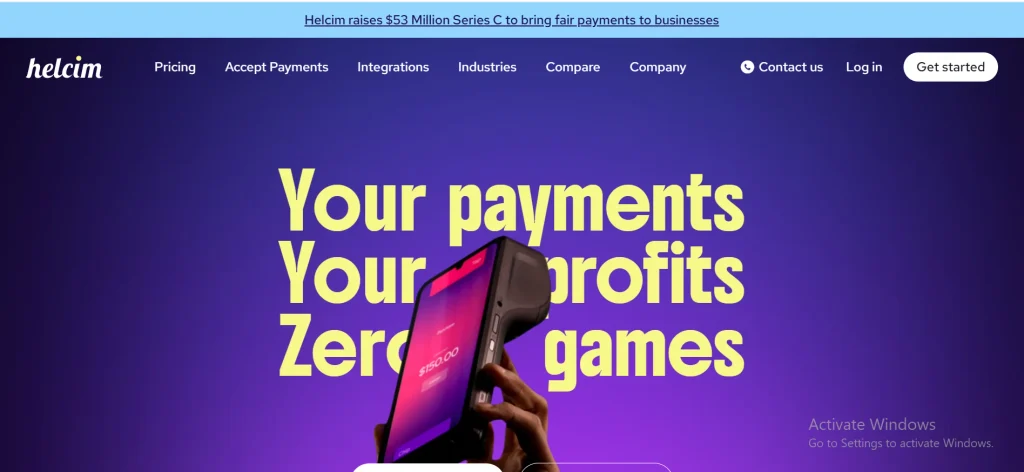
Helcim is a payment processor first, with free POS software for its merchants. Its main selling point is interchange-plus pricing. You pay the card networks’ wholesale fee plus a disclosed markup, instead of one blended rate.
Pricing: There is no monthly fee. The base markup is 0.40% + 8¢ for in-person sales and 0.50% + 25¢ for online or keyed sales, up to $50,000 a month. It drops automatically as volume grows, to 0.15% + 6¢ in-person at the highest published tier.
Pros: Clear fees, volume discounts, no monthly charge.
Cons: Limited hardware choice for complex setups, and you need to compare its inventory depth to your catalog.
Best for: Businesses with steady, higher card volume.
8. Epos Now: Best for Retail and Hospitality
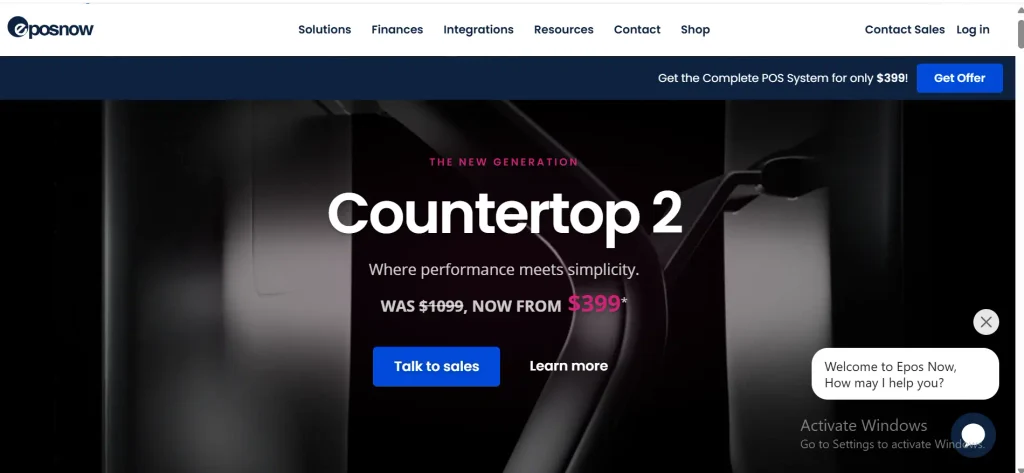
Epos Now sells retail and hospitality systems as a bundle of hardware, software and support. It covers inventory, staff management and sales reporting.
Pricing: Third-party trackers list software at about $79 to $84 a month after a price increase in September 2026, with hardware bundles advertised from around $349. Final quotes depend on terminals and add-ons.
Pros: One package for hardware and software, covers shops and restaurants.
Cons: Some reviewers raise support and add-on cost concerns, and contracts auto-renew. Read the renewal terms before signing.
Best for: Independent retailers and hospitality owners who want a bundled setup.
9. TouchBistro: Best for Independent Restaurants
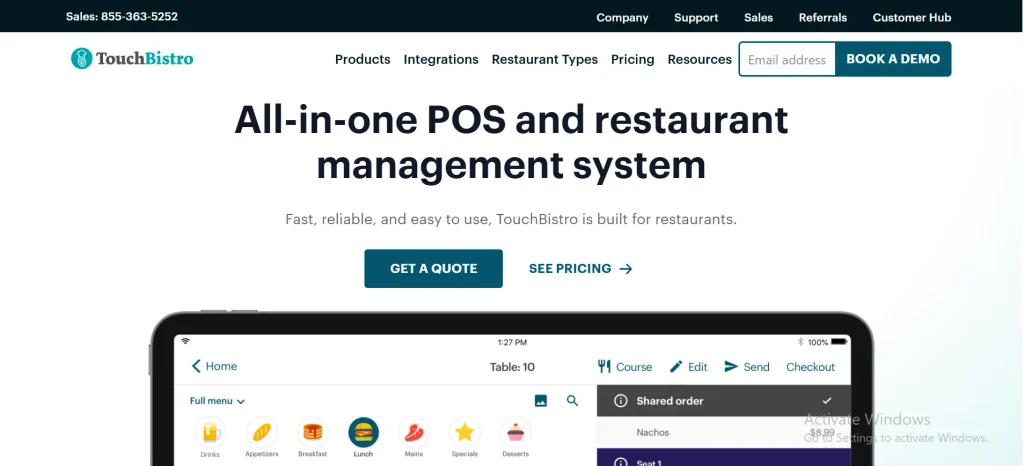
TouchBistro is an iPad-based system for sit-down restaurants. It handles tableside ordering, menus, floor plans and staff management.
Pricing: The Point of Sale plan starts at $69 a month. An Essentials Bundle at $119 a month includes hardware, and payment processing is extra. Some add-ons have no public price, so ask for a full quote.
Pros: Built for full-service dining, integrates with scheduling tools such as 7shifts.
Cons: Restaurants only, and the total depends on add-ons.
Best for: Full-service restaurants and independent dining rooms.
10. Loyverse POS: Best Budget Option for Small Retailers
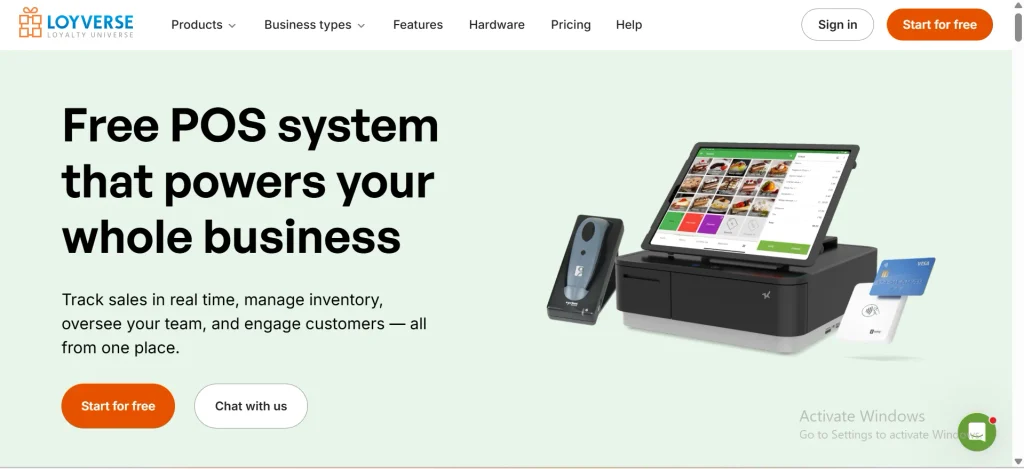
Loyverse gives away more than most paid systems. The core POS, kitchen display, customer display and loyalty program are free, and you can run multiple stores under one account.
Pricing: Add-ons carry the cost. Advanced inventory is about $25 per store per month, and other add-ons like employee management are priced per store or per employee. You bring your own payment processor, and the app works offline.
Pros: Truly free core, low-risk way to start.
Cons: Add-ons can add up, and some users report limits in payment integrations and advanced inventory without paid add-ons.
Best for: Small shops and cafés watching every dollar.
Quick Comparison of the 10 Best Cloud POS Systems
Square, Shopify POS and Loyverse have free entry points. Lightspeed, KORONA and TouchBistro charge from day one. Helcim charges no monthly fee but earns its money on card processing.
| POS system | Best for | Starting software price | Free option | Payment processing |
| Square POS | Small businesses, cafés, mobile sellers | $0 (Plus $49, Premium $149 per location) | Yes | Square Payments |
| Shopify POS | Online sellers adding a store | POS Lite included with any Shopify plan (plans from $39); Pro $89 per location | Lite only, with a paid plan | Mainly Shopify Payments |
| Clover | Retail and small hospitality | Roughly $15 to $85 per month, varies by plan and reseller | No | Clover-linked processing |
| Lightspeed | Multi-location retail | From $89 per month | No (trial) | Lightspeed Payments; confirm other options |
| Toast | Restaurants | $0 starter kit; Point of Sale about $69 per location | Starter kit | Toast Payments |
| KORONA POS | Specialty retail, large catalogs | From $59 per month | No (trial) | Choice of partner processors |
| Helcim | Higher card volume | No monthly fee | Free POS software | Helcim (interchange-plus) |
| Epos Now | Retail and hospitality | About $79 to $84 per month | No | Integrated payments; confirm options |
| TouchBistro | Full-service restaurants | From $69 per month; $119 bundle with hardware | No | Integrated payments |
| Loyverse | Budget retailers and cafés | $0 core; paid add-ons | Yes | Third-party processors |
Prices are list prices from vendor pages and third-party trackers as of November 2026. Processing fees are extra in every row.
How We Evaluated the Cloud POS Systems
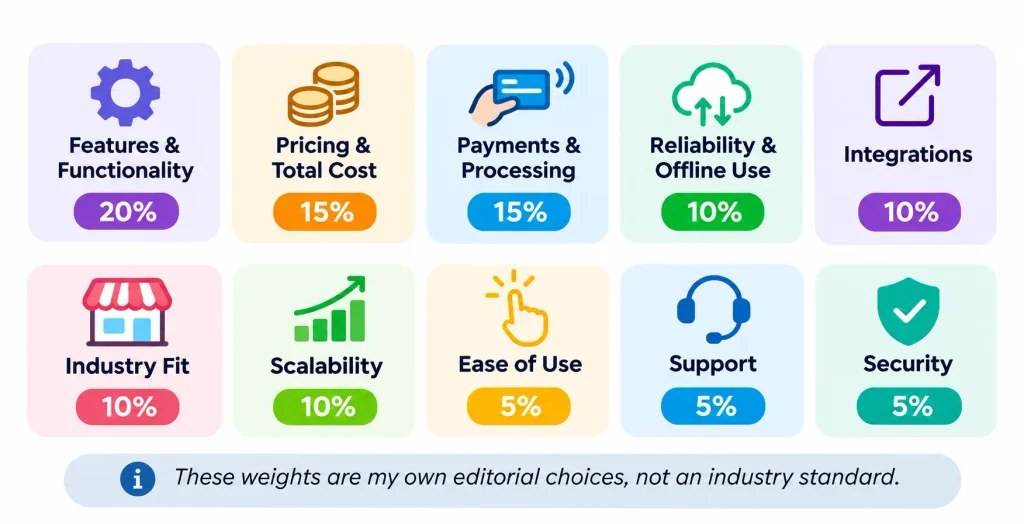
I scored each system against the same checklist so no product got a free pass. These weights are my own editorial choices, not an industry standard.
- Features: 20%
- Pricing and transaction costs: 20%
- Ease of use: 15%
- Inventory management: 15%
- Integrations: 10%
- Security: 10%
- Customer support: 10%
I also checked payment flexibility, offline behavior and how well each product scales. Where a detail comes from the vendor rather than independent reviews, I treat it as a claim to verify, not a fact.
Cloud POS Comparison: Pricing, Inventory, Payments and Offline Mode
The monthly software fee is rarely the biggest cost. Payment rules, inventory depth and offline behavior decide whether a system fits your business.
Pricing Models Compared
Cloud POS vendors charge in five main ways. Knowing which one you are signing up for matters more than the headline price.
| Pricing model | How you pay | Examples |
| Flat-rate processing | One blended percentage plus a fixed fee per sale | Square |
| Interchange-plus | Wholesale card cost plus a disclosed markup | Helcim |
| Subscription plus processing | Monthly software fee, processing billed separately | Lightspeed, KORONA, TouchBistro, Epos Now, Shopify POS Pro |
| Free core plus add-ons | Free software, pay for extra modules | Loyverse, Square Free |
| Bundled hardware and software | Device and plan sold together, processing tied to the provider | Clover, Toast |
Inventory Management
For large catalogs, Lightspeed and KORONA are the strongest fits on paper, with purchase orders, replenishment and multi-location tools. Shopify POS is best when online and in-store stock must match in real time. Square covers the basics well for small catalogs. Loyverse needs a paid add-on for advanced inventory. Toast and TouchBistro focus on menus and tables, not retail SKUs.
Payment Processing Rules
Some systems use their own payment processing, which is simple but limits your choices. Others work with several processors. Before you commit, learn the difference between a payment gateway, which passes card data to the bank, and a merchant account, which holds the funds from card sales.
Square, Toast and Helcim run their own processing. Loyverse and KORONA lean toward letting you choose. Ask every vendor two questions: can I use another processor later, and what does leaving cost?
Offline Functionality
Offline mode is not one feature. It is a set of limits that differ by vendor. Square, Toast and Loyverse report offline modes, and the details vary, so check the rest directly.
Before buying, ask:
- Can I still take card payments with no internet, and is there a per-sale limit?
- Are offline sales queued and sent automatically on reconnection?
- Do I see current stock while offline?
- How long can a device stay offline before data is at risk?
- What happens if two devices sell the last item at the same time?
What Is a Cloud POS System?
A cloud POS system is point-of-sale software hosted on remote servers and used over the internet. It records sales, takes payments and updates inventory and reports in one place, so owners can see every location from any connected device. It is a form of software as a service built on cloud computing.
For a deeper understanding of its technology, explore how a cloud-based POS system works , including its payment processing, inventory synchronization, and cloud data management capabilities.
The older idea is the classic point of sale, a till and a local computer. A cloud version moves the data and updates off that local machine.
How Does Cloud POS Software Work?
- A customer decides to buy and you ring up the sale.
- The software records the transaction.
- The card is read and the payment is processed securely.
- The sale syncs to the cloud.
- Inventory counts and reports update.
- You see the numbers from any logged-in device.
Main Components
- Cloud POS software
- Payment processing
- A terminal, tablet or phone
- An inventory database
- Customer tools and reports
- Integrations such as accounting
Benefits of Cloud POS Software
- Access from anywhere: check sales from your phone.
- Real-time inventory: a sale in one store updates stock everywhere.
- Multi-location control: one dashboard for every branch.
- Lower upkeep: the vendor runs the servers.
- Automatic updates: new features arrive without a technician.
- Better reporting: see best sellers and slow hours.
- Easier integrations: connect accounting, email and online stores.
Cloud POS vs. Traditional POS: What’s the Difference?
The main difference is where your data lives and who maintains it. A traditional system stores data on your own hardware. A cloud system stores it online and the vendor manages the infrastructure.
| Feature | Cloud POS | Traditional POS |
| Data storage | Remote cloud servers | Local servers or devices |
| Access | Any internet-connected device | Usually on site |
| Updates | Often automatic | Often manual |
| Inventory sync | Real-time or near real-time | Depends on the system |
| Upfront cost | Often lower | Often higher |
| Multiple locations | Generally easier | May need extra infrastructure |
| Internet dependence | Varies with offline mode | Usually lower |
| Maintenance | Vendor-managed | More local IT work |
When Cloud POS Makes Sense
Choose cloud if you run more than one location, sell online, want remote reporting or have no IT staff.
When Traditional POS Makes Sense
A traditional system can still fit a single site with unreliable internet, strict on-premises data rules or a heavily customized workflow.
Essential Features to Look for in a Cloud POS System
Features only matter if they match how you sell. Use this list as a filter.
- Payments: cards, contactless, Apple Pay and Google Pay.
- Inventory: real-time counts, barcode scanning, low-stock alerts and purchase orders. Businesses looking to improve stock accuracy can also explore the essential features of inventory management software, including stock tracking, reorder management, and inventory optimization.
- Reporting: sales by item, hour and employee.
- Customer tools: profiles, loyalty and gift cards.
- Staff controls: permissions, time tracking and activity logs.
- Multi-location management: one dashboard and shared stock.
- Omnichannel selling: online and in-store inventory in sync.
- Offline mode: clear rules for card payments and syncing.
- Security and backup: encryption and role-based access.
- Integrations: accounting, ecommerce and email through an API or app store. Connecting POS software with financial tools can simplify business reporting and reconciliation. Learn more about the benefits and features of cloud-based accounting for managing business finances.
Here is why inventory sync matters. Picture a clothing retailer with three stores. A customer buys the last medium jacket in store A. A cloud POS lowers that item’s count at stores B and C within moments, so a shopper in store B is not promised a jacket that is gone. Without sync, staff find out at the shelf.
How Much Does a Cloud POS System Cost?
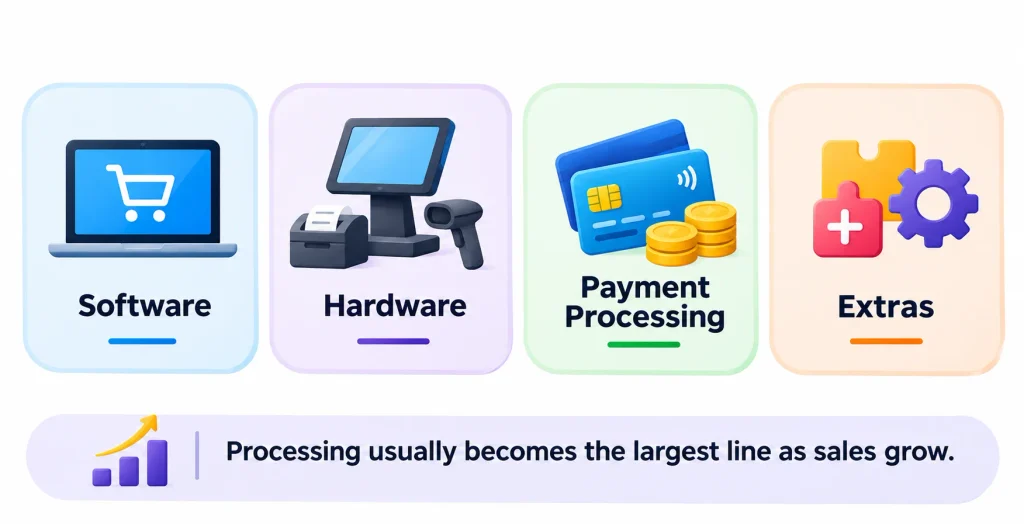
Expect four costs: software, hardware, payment processing and extras. Processing usually becomes the largest line as sales grow.
- Software: from $0 (Square Free, Loyverse core, Helcim) to around $289 a month for top retail tiers.
- Hardware: a phone with a card reader is cheap, while a full counter setup can pass $800 to $1,000.
- Processing: a percentage plus a fixed fee on every card sale.
- Extras: add-ons, extra locations, premium support and integrations.
A Realistic Cost Example
These figures are illustrative, not vendor quotes. Imagine a small shop with $20,000 in monthly card sales across 500 sales of about $40.
- Square Free at 2.6% + 15¢: about $520 plus $75, or roughly $595 a month in processing.
- Helcim at interchange + 0.40% + 8¢: if average interchange is around 1.5%, that is about $300 plus $80 plus $40, or roughly $420.
That gap is about $175 a month, or $2,100 a year. Your real number depends on your card mix. Premium rewards cards cost more in interchange, and small tickets favor the lower per-sale fee. Run the math with your own statements.
A Shopify store adds a different kind of cost. The Grow plan at $105 a month plus POS Pro at $89 comes to $194 a month before processing and hardware.
Hidden Costs to Watch
- Early termination or auto-renewal terms.
- Fees for extra registers, staff or locations.
- Paid support or onboarding.
- Hardware replacement and shipping.
- Fees to export your data when you leave.
How to Choose the Best Cloud POS System for Your Business
Start with your business, not the vendor list.
- Name your business type. A restaurant and a clothing store need different tools.
- Set a budget that includes processing, not just software.
- List your inventory needs: SKU count, variants, purchase orders.
- Check hardware compatibility with iPads, Android devices, printers and scanners you already own.
- Test integrations with your accounting and ecommerce tools.
- Compare security and offline rules using the questions above.
- Try before you commit. Use free plans or trials, and read honest owner experiences on communities like small business and restaurateur. Treat any single post as one person’s story, not proof.
Best Cloud POS Systems by Business Type
| Business type | Strong fit | Why |
| Small businesses | Square POS | Free entry, simple setup |
| Grocery and convenience | Lightspeed, KORONA POS | Barcodes, purchase orders, large catalogs |
| Clothing retailers | Shopify POS, Lightspeed | Variants, returns, online sync |
| Restaurants | Toast, TouchBistro | Table, menu and kitchen tools |
| Coffee shops | Square, Clover | Fast checkout and simple menus |
| Ecommerce brands | Shopify POS | One catalog online and in store |
| Multi-location retail | Lightspeed | Central inventory and reporting |
| Mobile businesses | Square POS | Phone-based payments with Tap to Pay |
Are Cloud POS Systems Secure?
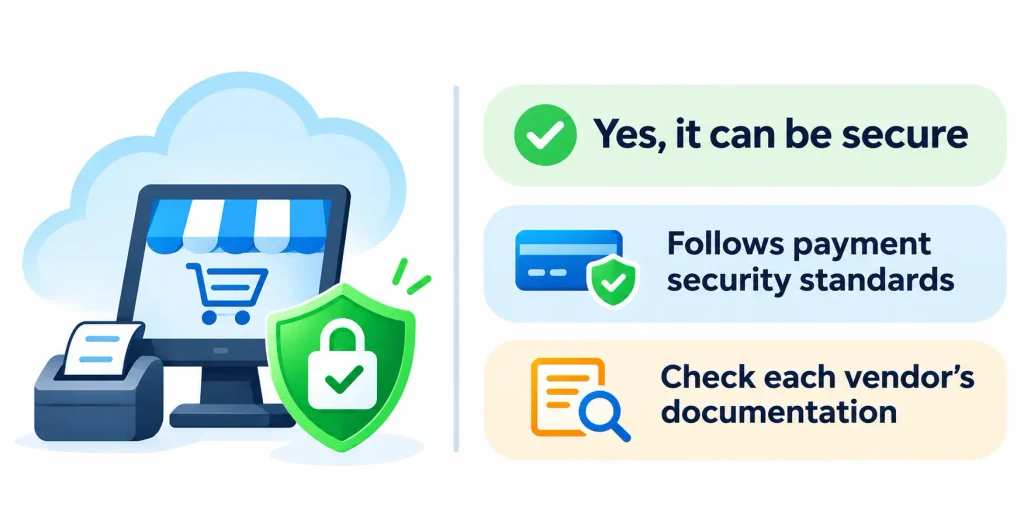
Yes, when the vendor follows recognized payment security standards, but not every provider supports every certification. Check each vendor’s documentation instead of assuming.
Look for these safeguards:
- Compliance: PCI DSS is the card industry’s security standard. The PCI Security Standards Council publishes the rules.
- Encryption and tokenization: tokenization swaps card numbers for meaningless tokens, so stolen data is useless.
- Access controls: role-based permissions and multi-factor login for managers.
- Backups and recovery: cloud data should survive a lost or broken device.
You share responsibility. Use strong passwords, remove access when staff leave and keep devices updated.
Frequently Asked Questions About Cloud POS Systems
What is the best cloud POS system for small businesses?
Square POS is the best all-around pick because the free plan covers core needs and paid upgrades are optional.
What is the best cloud POS system for retail stores?
Lightspeed fits retailers with complex inventory, Shopify POS fits online-first sellers, and Clover or KORONA suit many standard shops.
What is the best cloud POS system for restaurants?
Toast is a leading choice for restaurants, and TouchBistro is a strong option for full-service dining rooms.
Are there free cloud POS systems?
Yes. Square Free and Loyverse have free core software, Toast offers a starter kit, and Helcim includes free POS software. You still pay card processing fees and for any hardware or add-ons.
Can a cloud POS system work without the internet?
Many can for limited tasks, such as queuing card payments. Limits and time windows vary, so ask each vendor how long offline sales are held and how syncing works.
How much does cloud POS software cost?
Software ranges from free to roughly $289 a month in the plans covered here. Add processing fees and hardware for the real total.
Final Verdict
There is no single winner among the 10 best cloud POS systems of 2026 because the right choice depends on your industry, business size, budget, and payment requirements.
Square POS is a good starting point for most small businesses, while Shopify POS suits businesses selling both online and in physical stores.
Restaurants can consider Toast or TouchBistro, whereas retailers managing complex inventories may benefit from Lightspeed or KORONA POS. Businesses looking to minimize software costs can explore Loyverse, while Helcim may be worth considering for businesses with higher card transaction volumes.
Before making a decision, compare the total cost of ownership, payment processing requirements, offline functionality, and data export options. Taking advantage of a free trial and requesting a written pricing quote can also help you avoid unexpected costs.
